
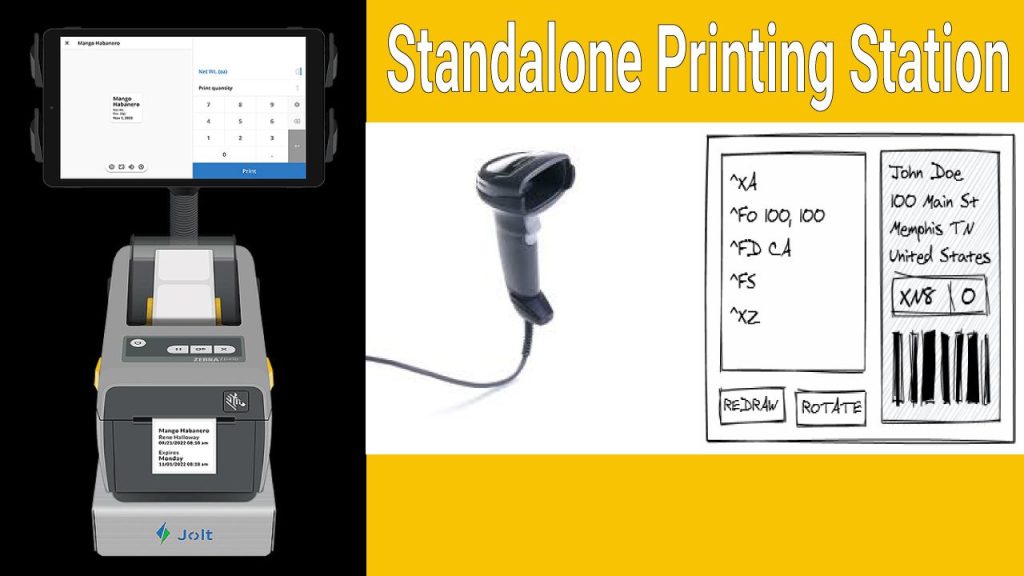
Standalone Printing Station
Standalone Printing Scan and Print Basic Setup
This Zebra support article explains how to set up a standalone printing system where a Zebra scanner directly triggers label printing from a Zebra printer—without needing a PC. It covers configuration steps, required firmware, and sample formats to enable quick scan-and-print workflows for applications like label duplication or product tagging.
Zebra scanner auto Enter barcode
How to Create and Use an AUTOEXEC.ZPL File on a Zebra Printer
QR barCode Design Jobs bellow zpl programming is Example stand alone without any PC
^XA
^DFE:DENMO.ZPL
^FT100,500^AON,35,35^FB500,1,0,C^FH\^FDDate:^FS
^FT400,500^AON,35,35^FB500,1,1,C^FC%,{,#^FD%d/%m/%y^FS
^FT150,550^AON,35,35^FB800,1,0,C^FN1″”Enter Item SKU””^FS
^FT150,600^AON,35,35^FN2″”Enter Return Categoty””^FS
^PQ1
^XZ”
“^XA
^DFE:DEMO2.ZPL
^FT360,169^A0I,28,28^FH\^FDDate :^FS
^FT283,169^A0I,28,28^FC%,{,#^FD%d-%m-%Y^FS
^BY1,3,48^FT361,112^BCI,,Y,N
^FN1″”Enter Item SKU””^FS
^BY1,3,29^FT361,59^BCI,,Y,N
^FN2″”Enter Return Categoty””^FS
^PQ1
^XZ