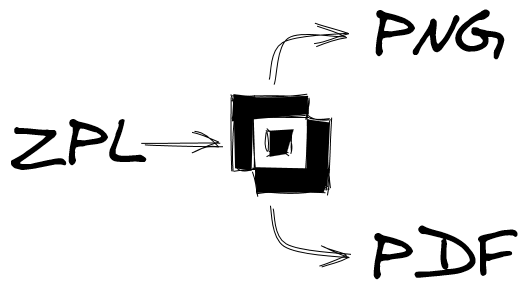
ZPL Programming

Weighing scale with barcode label printer

Weighing scale with barcode label printer

Weighing scale with barcode label printer Weighing scale with barcode label printerWe are currently working on setting up a printing solution for our weighing process and require your assistance in integrating our floor scale with a thermal label printer.Details of the Setup:Scale Model: Mettler Toledo BAL-B003 XSR32001LPrinter Model: Zebra ZT231 Thermal Label PrinterPurpose: To print […]

Weighing scale with barcode label printer Read More »

How to Create and Using Autoexec file for zebra printer

How to Create and Using Autoexec file for zebra printer

How to Create and Use an AUTOEXEC.ZPL File on a Zebra Printer An AUTOEXEC.ZPL file is a startup script that executes automatically when the Zebra printer is powered on. You can use it to print labels, configure settings, or trigger a process. 🔹 1. Creating an AUTOEXEC.ZPL File You can store an AUTOEXEC.ZPL file in

How to Create and Using Autoexec file for zebra printer Read More »

How to Installing Zebra Browser Print for Windows | Zebra

Installing Zebra Browser Print for Windows – Zebra printer

How to Installing Zebra Browser Print for Windows | Zebra Support Step 1: Download Zebra Browser Print Step 2: Install Zebra Browser Print Step 3: Configure Zebra Browser Print Step 4: Install Browser Extension Have you tried to add the printer to the Browser Print manually by clicking the “Manage” button? You can refer to

Installing Zebra Browser Print for Windows – Zebra printer Read More »

barcode scanner

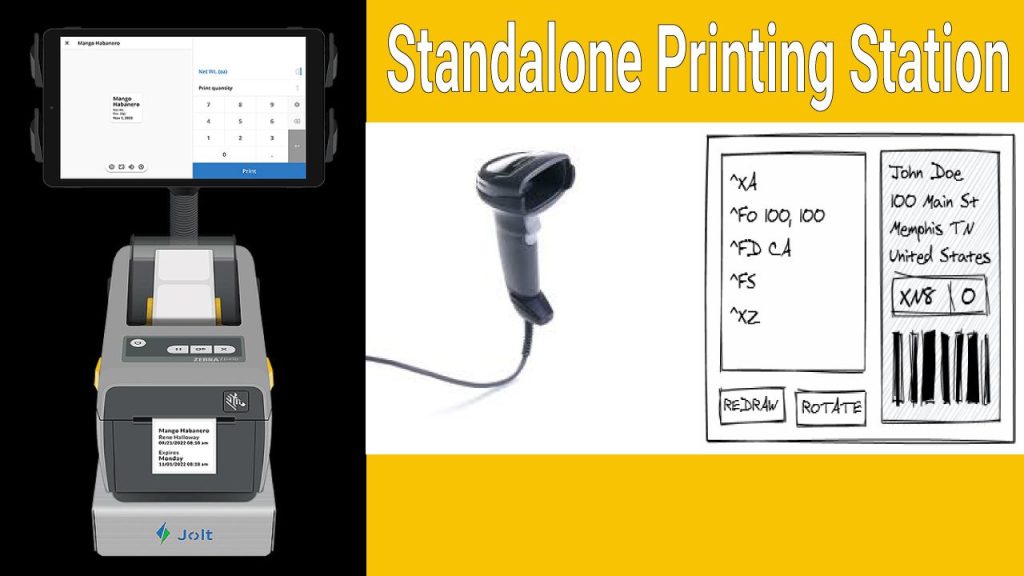
Standalone Printing Station

Standalone Printing Station Standalone Printing Scan and Print Basic SetupThis Zebra support article explains how to set up a standalone printing system where a Zebra scanner directly triggers label printing from a Zebra printer—without needing a PC. It covers configuration steps, required firmware, and sample formats to enable quick scan-and-print workflows for applications like label

Standalone Printing Station Read More »